Free Delivery
 365-Day Returns
 10 Million Happy Customers
 500,000 Products in Stock
How to Create a Perfect Gaming Space
Reviewed by the Beliani Content Team · Updated September 2026
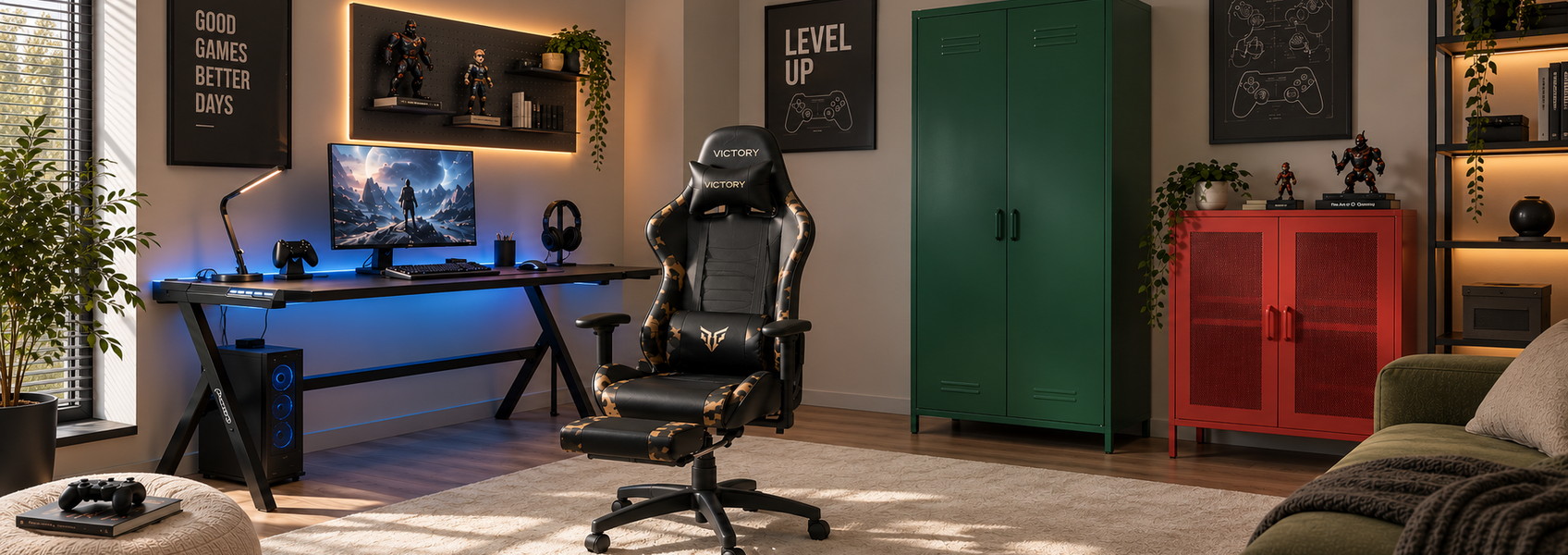
A well-designed gaming space combines comfort, organisation and the right atmosphere for focused play. The furniture layout, lighting choices and decorative details affect how practical the room feels during everyday use. This guide explains how to choose the essential pieces and avoid common setup mistakes.
In short
What do you need for a perfect gaming space?
A perfect gaming space needs an ergonomic chair, a desk with enough surface area for your equipment, practical lighting and storage that keeps accessories organised. The most important factors are comfort, proper screen placement, cable management, and a layout that fits the available room size.
How to choose the right gaming furniture?
The right gaming furniture should support long sessions, keep equipment organised and make the room comfortable to use. Instead of choosing pieces only based on appearance, consider how each item affects posture, storage and everyday practicality.
Choosing a gaming chair
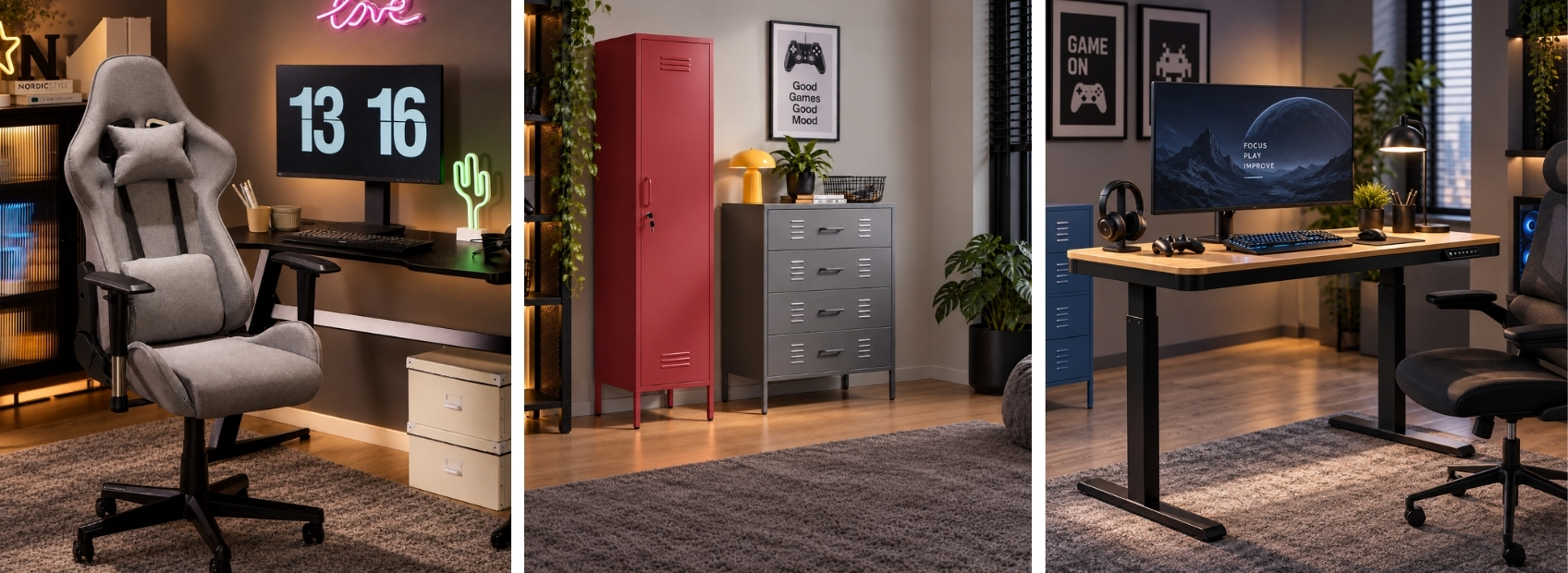
A gaming chair is one of the most important parts of the setup because it supports your body during longer sessions. Look for adjustable features that let you adapt the chair to your height, desk and preferred sitting position:
- Adjustable height: Helps match the chair with the desk surface.
- Back support: Improves comfort during extended periods of sitting.
- Comfortable padding: Makes the chair suitable for daily use.
- Armrests: Help support your arms while using a keyboard and mouse.
Shop now: gaming chairs
Need help? Learn how to choose an office chair.
Selecting a gaming desk
A gaming desk should provide enough space for your monitor, keyboard, mouse and other accessories. Choose a size that fits your equipment while leaving enough room for comfortable movement and leg space. Place it where it does not block walkways, and position it near a wall or window side to create a practical gaming zone.
Shop now: gaming desks
Looking for more flexible desk options? Explore the benefits of adjustable desks.
Adding storage furniture
Storage helps prevent gaming equipment from taking over the workspace. Shelves, cabinets and drawer units can store controllers, headphones, games and decorative items while keeping the desk area clear. Open shelving works well for items you want to keep visible and easy to reach, while closed storage is useful for equipment that you do not use every day. In a small room, vertical storage can make better use of the available wall space without taking up much floor area.
Shop now: bookcases and shelving units
Choosing furniture for a small gaming room
When space is limited, prioritise furniture that performs more than one function. A compact desk with integrated storage or a shelving unit that also displays your gaming accessories can reduce the number of separate pieces you need. Keep the main walkway and the area around the chair clear. A smaller number of well-positioned furniture pieces will usually create a more practical gaming area than filling every available corner.
How can you organise gaming equipment?
Organise your gaming equipment by keeping frequently used items within reach and arranging your setup so every element has a practical place. A well-planned layout improves comfort and keeps the desk area clear.
Screen position
Avoid placing the screen directly opposite a bright window because daylight can create reflections. Position the monitor sideways to the window where possible and keep it centred in front of your chair at a comfortable viewing angle to reduce neck strain.
Keyboard and mouse placement
Place the keyboard and mouse where your arms can rest comfortably while you play. Keep enough clear space around them for natural movement and avoid filling the front of the desk with unnecessary accessories.
Cable management
Plan cable routes behind the desk or along the wall before connecting your equipment. Cable holders, clips and suitable storage can keep wires together and make it easier to access individual devices when needed.
Which lighting works best for a gaming room and how to place it?
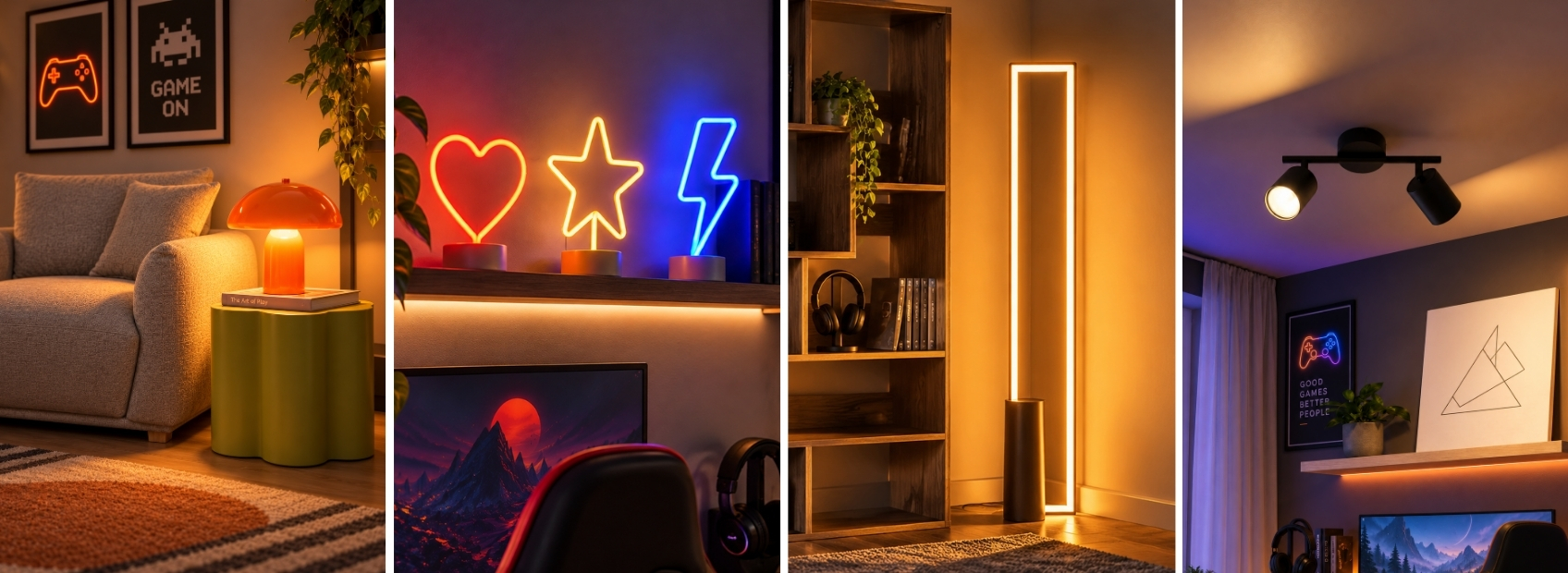
Plan the lighting together with the furniture layout, combining ambient and focused light to keep the gaming area practical and comfortable. Different light sources serve different purposes, from reducing screen contrast to creating a balanced atmosphere.
| Lighting type | Where to place it | Purpose |
|---|---|---|
| Monitor lighting | Behind the screen | Reduces contrast between the bright display and darker room. |
| Desk lighting | Beside the workspace | Provides focused light without creating screen reflections. |
| Floor lighting | Room corners | Creates softer ambient lighting around the setup. |
| Shelf lighting | Behind or beneath shelves | Highlights collectibles, accessories and decorative elements. |
Shop now: lighting
How can you decorate a gaming room?
Gaming room decor should create a personalised space while keeping the setup practical. Choose decorations that match your interests but avoid filling the area with items that reduce desk space or make organisation harder.
Use walls to display your interests
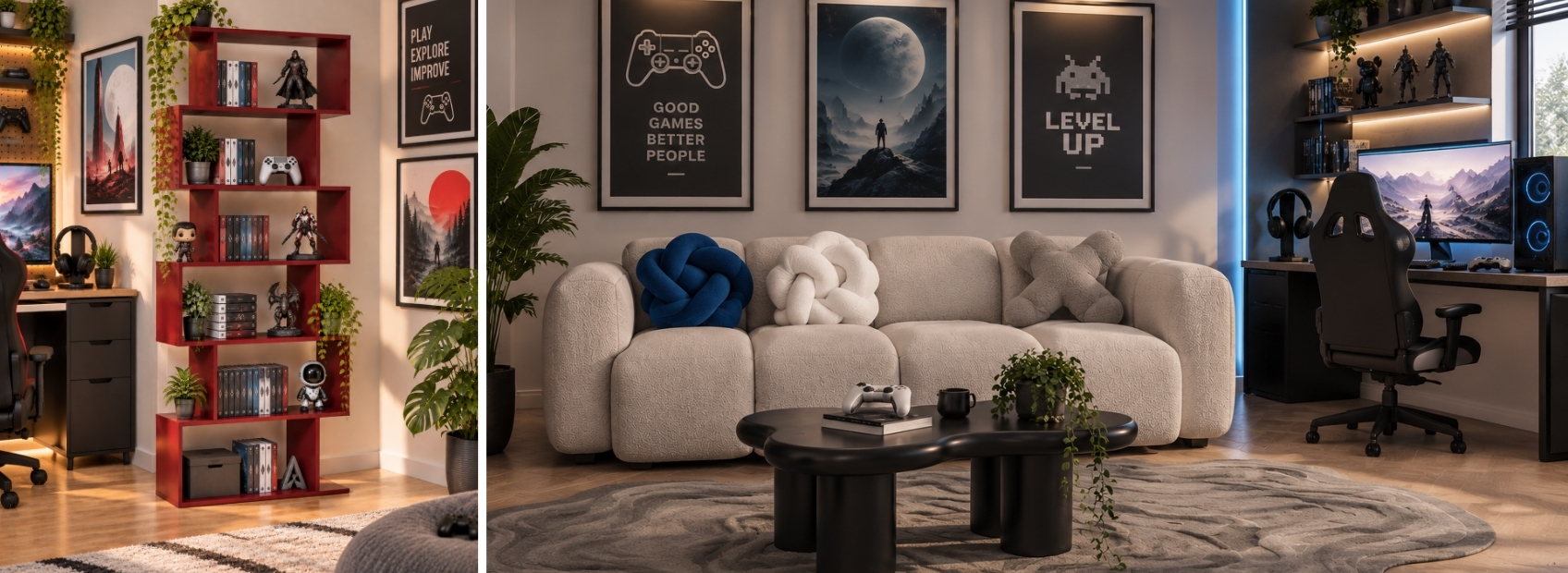
Posters, artwork, framed prints and gaming memorabilia can add personality without taking up floor space. Display shelves are useful for collectables, figures, game editions and accessories, while keeping the main desk surface available for equipment.
Shop now: frames & wall art
Keep equipment organised
Cabinets, drawers and shelving units can keep controllers, games, headphones and cables organised when they are not being used. Choose storage according to what you actually need to keep rather than adding furniture simply to fill an empty wall or corner.
Shop now: sideboards and chests of drawers
Add softer decorative elements
Rugs, curtains and cushions can soften a technology-focused room and help define separate areas in a multifunctional space. Plants and carefully placed decorative lighting can add contrast and atmosphere without making the gaming station feel overcrowded.
Shop now: scatter cushions and rugs
What to check before creating your gaming space
Before choosing furniture and accessories, check these practical details:
- Room measurements: Confirm the available floor and wall space before choosing desks, chairs or storage.
- Desk and chair: Make sure their dimensions work together and leave enough room for comfortable movement.
- Lighting: Identify natural and artificial light sources before positioning the screen to reduce distracting reflections.
- Storage and cables: Decide where equipment and cables will be kept so the desk remains clear and accessible.
Frequently asked questions
What is the difference between an office chair and a gaming chair?
Office chairs usually have a more understated design and are made for everyday desk work, while gaming chairs often feature a sportier look, a high back and extras such as reclining functions or removable cushions. Both can be suitable for long periods of sitting, so compare their adjustability, back support, seat comfort and fit rather than choosing by style alone.
How big should a gaming desk be?
A gaming desk should have enough surface area for your monitor, keyboard, mouse and other equipment without leaving the workspace cramped. If you use multiple monitors or several peripherals, choose a wider desk that leaves room for comfortable movement.
How do you set up a gaming room in a small space?
Use a compact desk, vertical storage and furniture that serves more than one purpose. Keep the area around the chair and main walkway clear so the room remains easy to move around.
What lighting is best for a gaming setup?
Use a combination of ambient and focused lighting rather than relying on one strong ceiling light. Place softer lights behind the monitor, around shelves or in room corners, and position desk lighting to avoid reflections on the screen.