Free Delivery
 365-Day Returns
 10 Million Happy Customers
 500,000 Products in Stock
TV Stand & Media Unit Guide: Sizing Your Living Room Setup
Reviewed by the Beliani Content Team · Updated October 2026
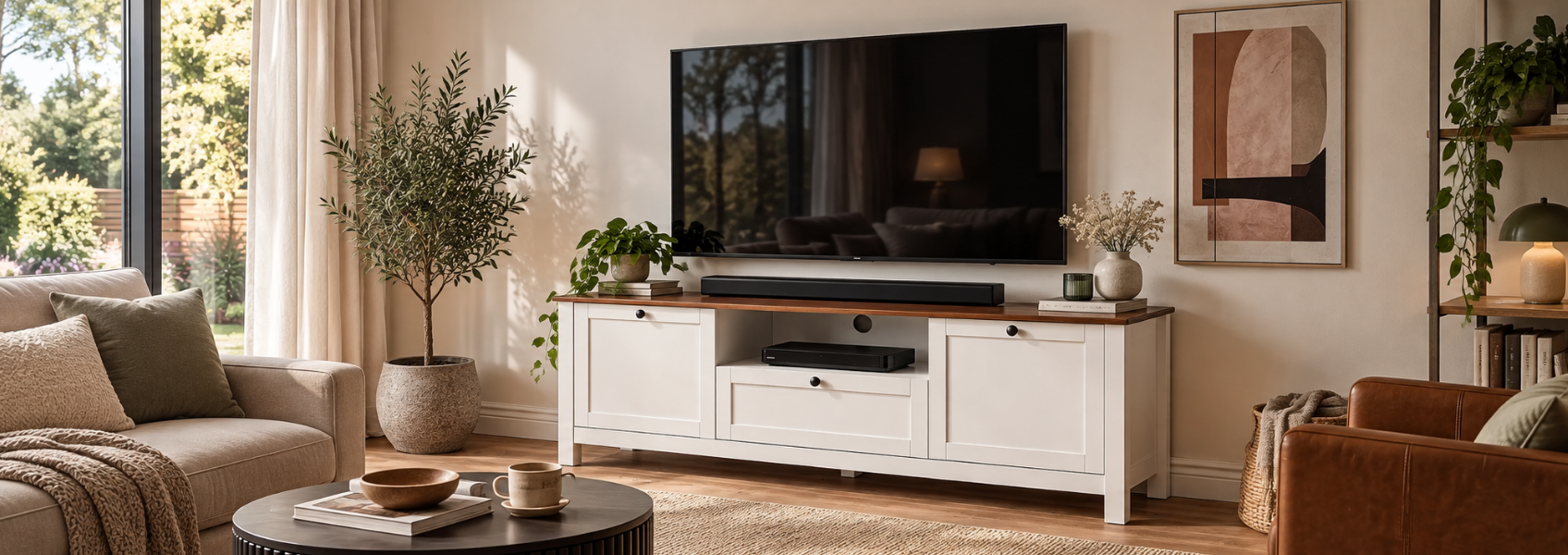
Choosing a TV stand isn't just about finding something the right colour for your living room. Get the width, height or depth wrong and you'll end up straining your neck during every film night, or watching your cables and games console on permanent display. This guide works through the measurements that actually matter, so the unit you choose suits your screen, your sofa and the space in front of it.
How wide should your TV stand be, and how far should you sit?
The classic rule of thumb is to let the stand extend 10 to 15 cm beyond each edge of the screen. A stand that's the same width as the TV, or narrower, isn't just visually top-heavy - it leaves the screen's edges unsupported, which is a stability risk as much as a design one. Use the TV's physical screen width, not its diagonal size, when checking this against a stand: a TV's advertised size is measured diagonally and doesn't include the frame around the screen, so two sets listed at the same size can still differ slightly in actual width.
The same size also decides how far back to sit. A simple way to work it out: multiply the TV's diagonal in inches by roughly 4.2 cm for a comfortable standard-viewing distance - close enough to see detail clearly, far enough that you're not scanning the picture rather than watching it.
| TV size | Approx. screen width | Recommended stand width | Recommended viewing distance |
|---|---|---|---|
| 32" | 70 cm | 90–100 cm | 1.34 m |
| 43" | 95 cm | 115–125 cm | 1.80 m |
| 50" | 110 cm | 130–140 cm | 2.10 m |
| 55" | 120 cm | 140–150 cm | 2.31 m |
| 65" | 145 cm | 165–175 cm | 2.73 m |
| 75" | 165 cm | 185–195 cm | 3.15 m |
These are starting points rather than fixed rules. Measure your own screen rather than relying on the chart alone, since two TVs listed at the same size can differ slightly in actual width. If you're watching a 4K screen, you can usually sit a little closer than the distance column suggests.
How do I get the stand height right?
Height is the measurement most people skip, and it's the one that affects comfort most directly. Select your seating type below to see the exact stand height to look for.
Find your stand height
Choose your seating. Example for a 55" TV.
A 55" TV has a screen height of about 68 cm, so half is 34 cm.
If your TV is bigger or smaller than 55 inches, shift your pick slightly: a larger screen pulls the ideal height down within that range, a smaller one pushes it up. And if the room has more than one seating height - a sofa plus an armchair, say - go by wherever most of the actual viewing happens, rather than splitting the difference between them.
Shop now: TV stands
What else decides the depth you need?
Depth is easy to overlook, since it's hidden behind the screen rather than staring you in the face. A few checks matter more than the headline number:
- Most units land between 35 and 45 cm deep, which covers a streaming box, games console and soundbar with room to spare
- Closed-door cabinets need another 5 to 8 cm of space around each device - trapped heat is the usual reason electronics wear out faster than they should
- Check the weight rating before you commit, especially if the stand will carry the TV plus a console or two on top
- Where the room allows, leave 60 to 90 cm clear in front of the unit, so walking past it doesn't mean squeezing by
Should you mount the TV or place it on a stand?
Both work well, and the right call usually comes down to how the room is used from day to day rather than looks alone.
On a stand
Wall-mounted
Pros
- Quick to set up, with no drilling or wall checks needed
- Easy to move or rearrange later, which suits rented homes
- Keeps cables and ports at arm's reach for cleaning or swapping devices
Cons
- Needs a wider, sturdier stand to support the TV's base safely
- Takes up more visual and physical space on the console itself
- Easier for children or pets to knock against than a fixed TV
Pros
- Frees the console surface entirely for a soundbar or games console
- Works well with a shallower, slimmer unit underneath
- Holds the TV fixed and stable, with no tipping risk
Cons
- Needs drilling, so the wall must be checked for the fixings first
- Harder to reposition later if the room layout changes
- Cables need routing neatly from the wall down to the console or floor
What size stand suits a small or medium living room?
Floor space is the real constraint in a compact room, more than any single measurement. A slim stand under 35 cm deep, or a unit mounted straight onto the wall, keeps the area in front of the sofa clear rather than cramped. Open shelving helps too: a unit you can see through tends to feel lighter than a solid cabinet, even with the same footprint.
In a medium-sized room, where the sofa sits roughly 2.5 to 3 metres from the TV wall, a 55 to 65 inch screen usually fits best. That pairs with a stand around 140 to 175 cm wide and 35 to 45 cm deep, based on the sizing table above, leaving enough room for your media devices without the unit overwhelming the wall.
Read more: space-saving furniture solutions for cosy living rooms
What to check before buying
Before placing an order, check your shortlisted stand against these points.
- Width extends at least 10 to 15 cm beyond each side of your TV, so the screen's edges aren't left unsupported
- Height matches your seating type, bringing the screen's centre level with your eyes when seated (see the height-by-seating finder above for your figure)
- Depth comfortably fits your media devices, plus 5 to 8 cm of ventilation clearance around each one
- Weight rating covers the TV and anything stacked on top of it
- At least 60 to 90 cm of clear walkway in front, where the room allows
- Cable access at the back, particularly if you plan to wall-mount the TV above it
In short
Getting a TV stand right comes down to a handful of measurements working together: width that clears the screen by 10 to 15 cm either side, height matched to where you actually sit, enough depth and ventilation for your devices, and a style - stand or wall-mounted - that suits how the room gets used day to day. Take these numbers into your own living room rather than relying on the TV's box alone, and the stand you choose will suit years of evenings in front of it, not just the first week.
Frequently asked questions
How far should I sit from the TV?
As a rough guide, multiply the TV's diagonal size in inches by about 4.2 cm - for a 55-inch TV, that's roughly 2.3 metres. If you're watching 4K content, you can comfortably sit a bit closer than that.
Is a floating TV unit a good choice for a small living room?
Yes, a wall-mounted floating unit frees up floor space and makes the room feel less cluttered, which is especially useful in smaller layouts. Just confirm your wall can take the fixings and that there's still room behind it for cable access.
What's the difference between a TV stand and a sideboard?
A TV stand is sized and shaped specifically to support a screen and its connected devices, usually with cable access and a surface at eye level. A sideboard offers broader storage for items like crockery or linens and can still hold a TV, but it won't always put the screen at the right height without an extra riser.
Can a TV stand hold more weight than just the TV?
Most stands are rated for the television plus whatever sits on its surface or inside it, such as a games console or soundbar. Check the manufacturer's weight rating before stacking heavier equipment on top, since exceeding it can affect stability.
Should the TV stand match my other living room furniture?
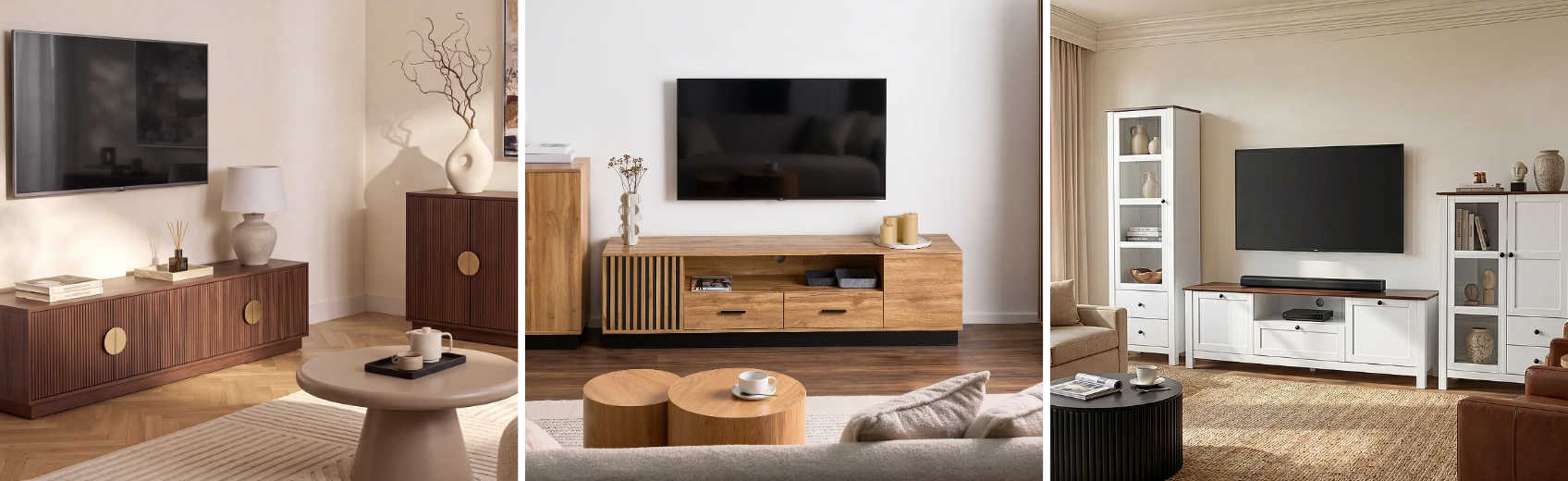
It doesn't need to match exactly, but keeping a similar tone of wood or a complementary finish helps the stand feel part of the room rather than an afterthought. Many people pair it with a coordinating sideboard or coffee table instead of an identical set.